
Are internal notes shown?
No. Only customer-visible updates and attachments appear on the public page.
Photo updates
Attach customer-visible photos to repair updates and approval requests so the explanation stays connected to the work.
Create a realistic customer page in a few steps.
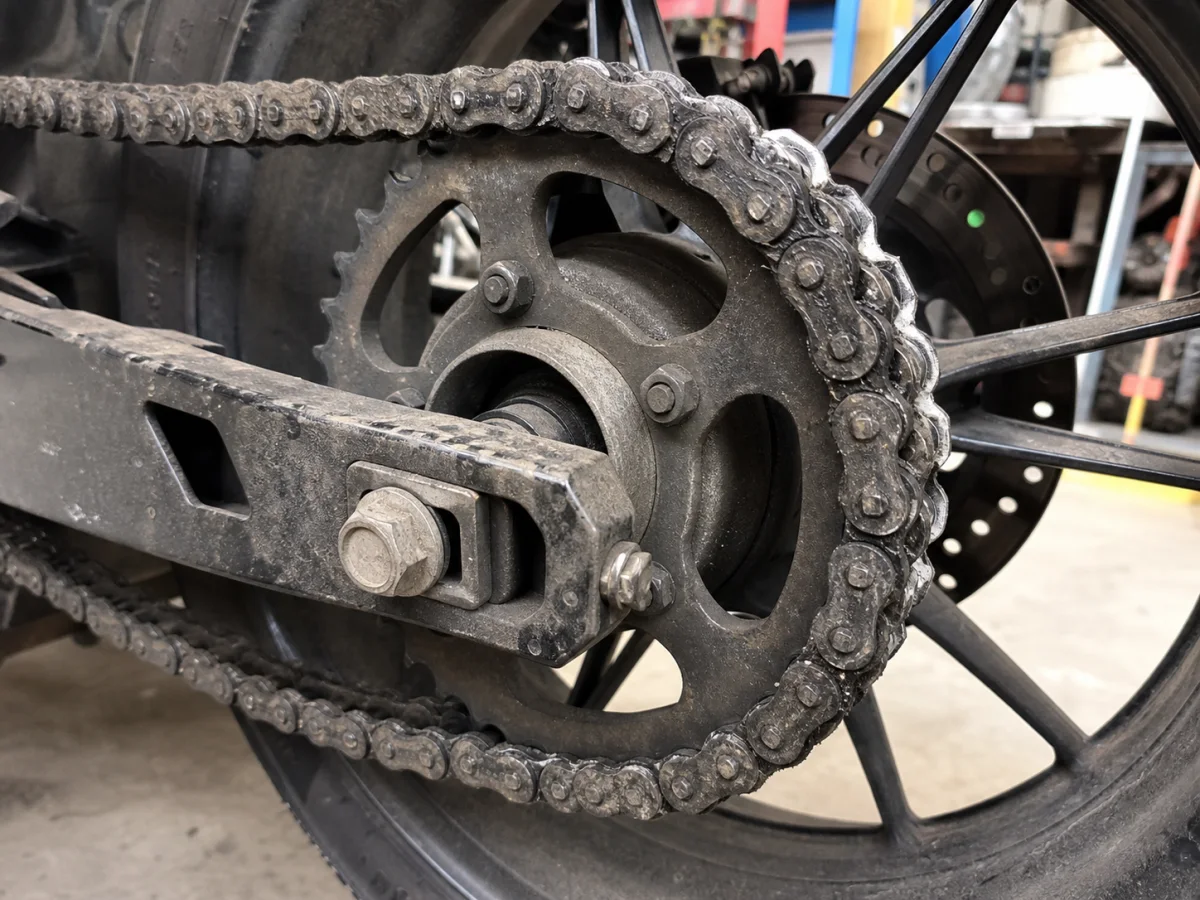
Capture or upload the relevant photo.
Add a short customer-ready explanation.
Publish it with the status update or approval request.
No. Only customer-visible updates and attachments appear on the public page.
Yes. A photo can be attached to an approval request.
Create a realistic customer page in a few steps.