
Can customers decline?
Yes. Approval requests present both approve and decline actions.
Additional work approvals
Explain the finding, add an amount and optional photo, then let the customer approve or decline from the status link.
Create a realistic customer page in a few steps.
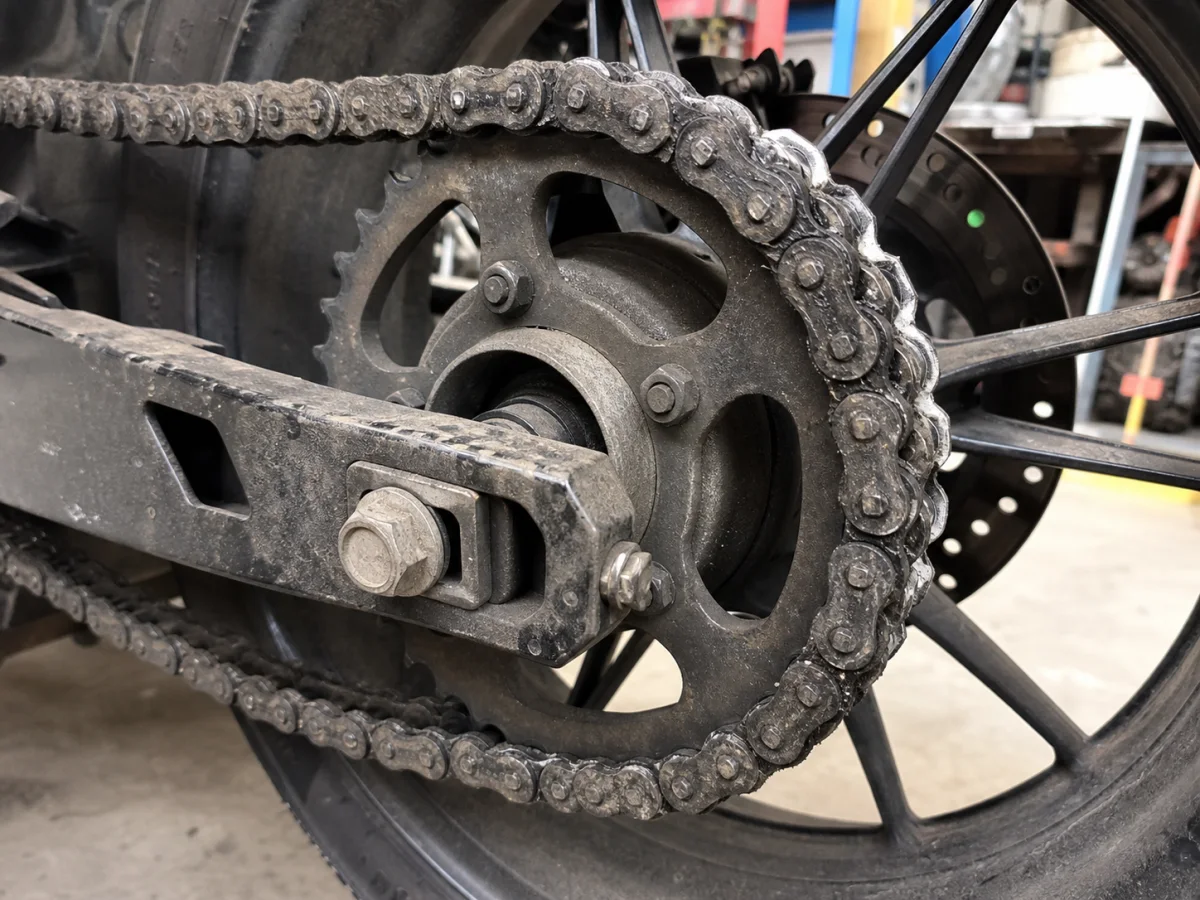
Describe the additional work.
Add the expected amount and supporting photo.
Send the status link and record the decision.
Yes. Approval requests present both approve and decline actions.
No. Reparova records the decision and does not process payments.
Create a realistic customer page in a few steps.